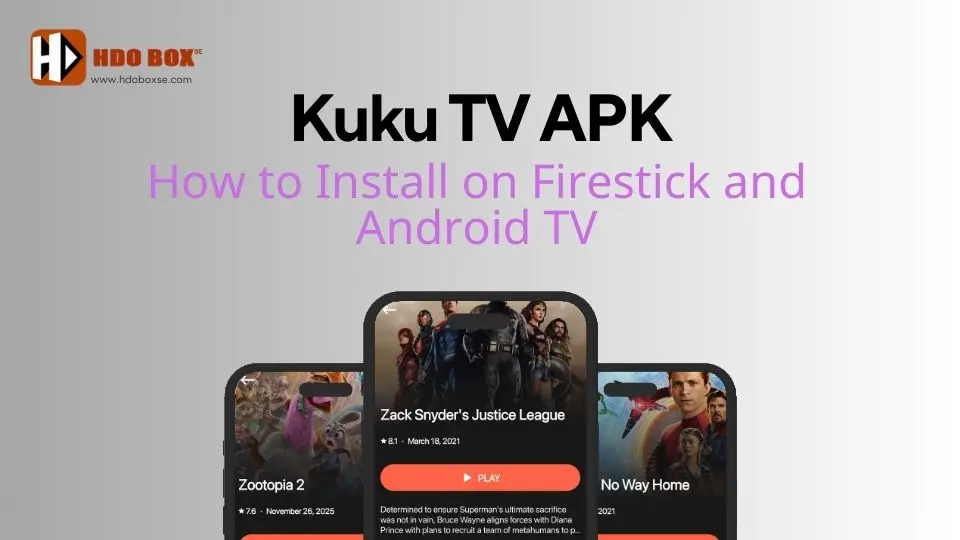
Kuku TV APK is a third-party streaming application that allows users to watch TV channels and on-demand content on Android-based devices. Since the app is not available on official app stores, it must be installed manually using a sideloading method.
In this guide, you’ll learn how to install Kuku TV APK on Firestick and Android TV step by step, even if you’re new to sideloading.
Table of Contents
ToggleWhat Is Kuku TV APK
Kuku TV APK is an unofficial streaming app designed for Android devices. It provides access to various TV channels and entertainment content through internet streaming.
Because it is not listed on the Amazon Appstore or Google Play Store, users must install it manually using tools like Downloader.
We do not own the “Kuku TV APK” download link and we cannot guarantee the security of this link. By clicking on the link, you will leave our website and continue at your own risk. We are not responsible for any damages arising from accessing the link.
Devices Compatible with Kuku TV APK
Kuku TV APK works on the following devices:
- Amazon Firestick and Fire TV
- Android TV and Google TV
- Android TV boxes
- Android phones and tablets
This article focuses on Firestick and Android TV installation.
Important Note Before Installing
Kuku TV is a third-party app, which means:
- It is not verified by official app stores
- Content licensing cannot always be confirmed
- Users should install it only from trusted sources
Always avoid fake or modified APK files.
How to Install Kuku TV APK on Firestick
Follow the steps below carefully.
Step 1: Enable Apps from Unknown Sources
- From the Firestick home screen, open Settings
- Select My Fire TV
- Open Developer Options
- If Developer Options is not visible, go to About and click your Fire TV name 7 times
- Select Apps from Unknown Sources
- Turn it ON
Step 2: Install Downloader App
- From the Firestick home screen, select Find or Search
- Search for Downloader
- Select the Downloader app
- Click Get or Download
- Wait for installation to complete
Step 3: Download Kuku TV APK
- Open the Downloader app
- Allow access to files when prompted
- Click the URL input box
- Enter the Kuku TV APK downloader code: 3294520
- Select Go and wait for the APK to download
Step 4: Install the App
- When the download finishes, click Install
- Wait for installation to complete
- Select Done
To save storage space:
- Choose Delete
- Confirm Delete again
Step 5: Launch Kuku TV
- Go to Apps & Channels
- Find Kuku TV
- Open the app and start streaming
Installation on Firestick is now complete.
How to Install Kuku TV APK on Android TV
The process on Android TV is very similar.
Step 1: Enable Unknown Apps
- Open Settings on Android TV
- Go to Apps
- Select Special app access
- Choose Install unknown apps
- Select Downloader or your browser
- Turn Allow ON
Step 2: Install Downloader
- Open Google Play Store
- Search for Downloader
- Install the app
Step 3: Download and Install Kuku TV APK
- Open Downloader
- Enter the trusted Kuku TV APK URL: www.hdoboxse.com/kukutv
- Download the APK file
- Select Install when prompted
Step 4: Open Kuku TV
After installation:
- Return to the home screen
- Open Kuku TV from your apps list
Common Installation Issues and Fixes
Developer Options not showing
Tap the device name or build number 7 times in the About section.
App not installed error
Ensure unknown sources are enabled for the app you are using to install APKs.
App not opening
Try restarting your device or reinstalling the APK.
Final Thoughts
Installing Kuku TV APK on Firestick and Android TV is a straightforward process when the correct steps are followed. By enabling unknown sources and using the Downloader app, you can sideload Kuku TV safely and start streaming.
Does Kuku TV APK work on Firestick?
Yes, Kuku TV APK works on Amazon Firestick and Fire TV devices when installed using a sideloading method.
Is Kuku TV APK free to use?
Yes, Kuku TV APK is generally free to download and use. No subscription or payment is required.
Do I need Downloader to install Kuku TV APK?
Yes, Downloader is the recommended tool for installing Kuku TV APK on Firestick and Android TV devices.
Is it safe to install Kuku TV APK?
Kuku TV APK can be safe when downloaded from a trusted source. Users should avoid unofficial or modified versions and unnecessary permissions.
Does Kuku TV APK support Android TV?
Yes, Kuku TV APK is compatible with Android TV and Google TV devices.